

Why Walking Pads Belong in a Home Gym
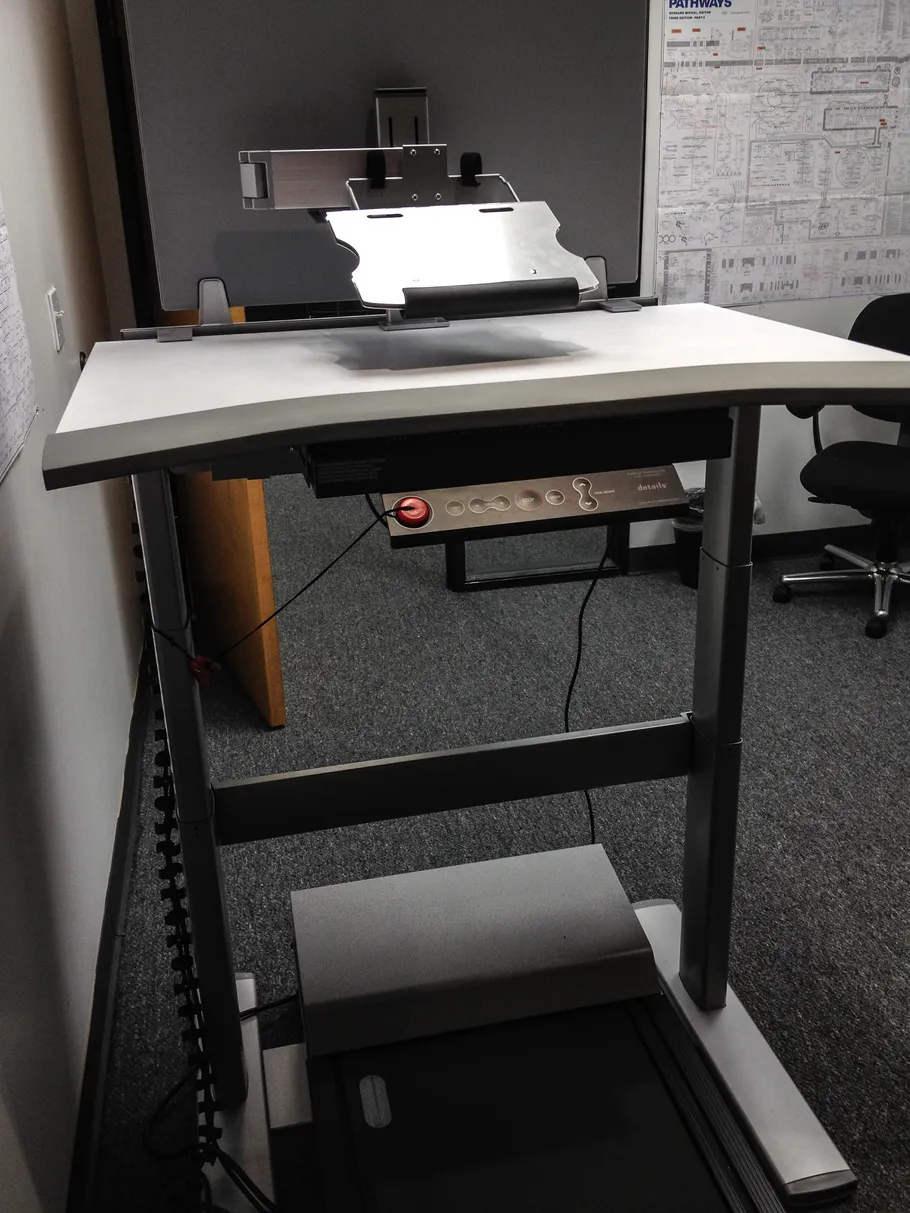
A walking pad is the smallest treadmill that still counts: a flat belt, no tall console, made to slide under a standing desk or into a corner of a small room. You walk at 2 to 4 mph while you answer emails, take calls or watch a show, and the day’s steps happen without a trip outside. 🚶
That is a different job from a running treadmill, and it deserves its own guide. A running treadmill is built for speed, incline training and hard sessions; a walking pad is built for hours of slow, quiet walking in a room where you also live and work.
The previous guide in this series, our weight plates guide, covers the heavy end of the home gym. Walking pads are the opposite end: light, flat daily movement for people who sit too long.
One honest scope note first. Our treadmills guide already includes one walking pad — the UREVO Strol 2E, picked there as the best 2-in-1 walking pad among five full running treadmills. That guide is the running-treadmill deep dive, and the Strol 2E is not picked again here. This guide is the walking-pad-only deep dive: six pads compared against each other, with folding, incline, value, budget, small-space and 2-in-1 jobs covered separately.
How We Picked
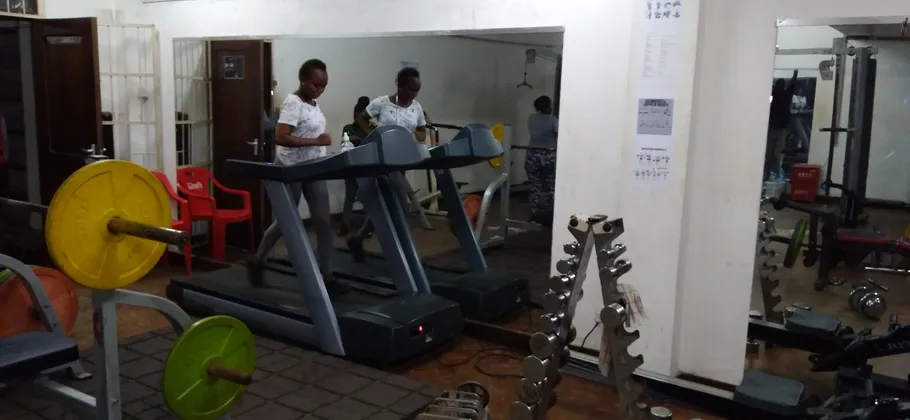
We compared six currently sold walking pads: one folding pad, one powered-incline pad, one value pad, one budget pad, one small-space pad and one 2-in-1 pad, so the guide answers which job each pad does best instead of crowning one winner for everyone. Every spec below comes from maker pages, listings, manuals or review records, and every disagreement found is stated in the pick sections rather than averaged away.
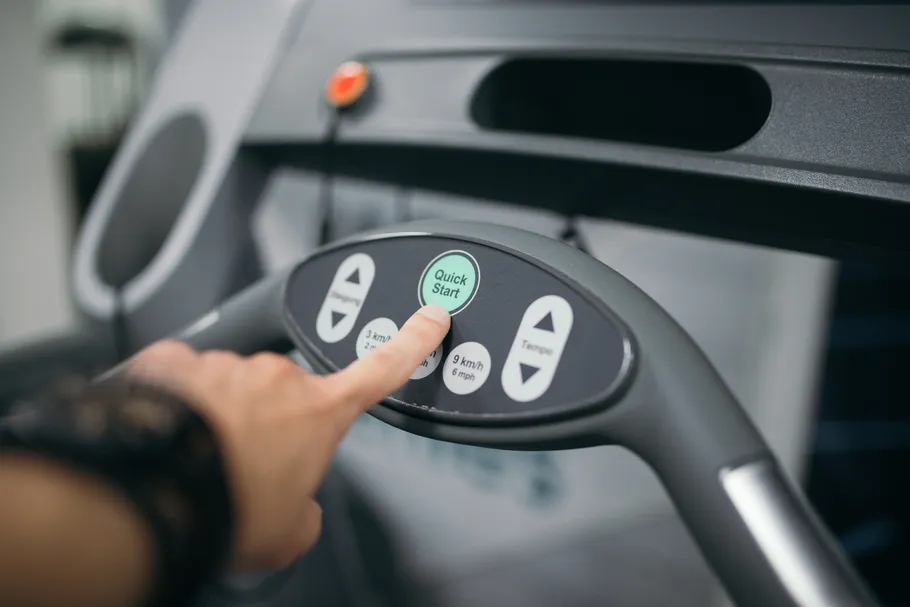
One limit applies to every photo in this guide: no free-license photo of any of the six named walking pads exists, so every figure is an honest generic scene — people walking on treadmills, desks, home offices and living rooms — captioned as what it actually shows, never presented as a photo of the named product. One figure, the Egofit workstation shot, comes from a small 500 by 667 source, so it is softer than the rest; no figure here is called high-definition where it is not.
- Scored on: desk fit, belt length, top speed, stated capacity, noise claims, incline type and storage.
Also considered: MERACH W50 is an app-friendly pad that was checked and left out for a thinner record on capacity. UREVO CyberPad Office pairs incline with a brushless motor and an under-35 dB claim, but its record is thinner than the TRAILVIBER’s on incline detail. LifeSpan TR1200-DT3 is the premium daily-use option, priced and specified beyond this guide’s home brief. DeerRun foldable pads were checked as a budget folding alternative, and PACEROCKER as an incline value alternative to the TRAILVIBER, with matching 12% incline and 450 lb claims — both left out because their records add nothing the six picks do not already cover.
Scoped superlatives: the fastest pure desk pad here is the TRAILVIBER at 4.0 mph, against Sperax and Yagud at 3.8 mph — the GoYouth’s 7.5 mph is handrail-up mode only, so it sits outside the desk-walking ranking. The highest stated capacity is the TRAILVIBER’s 450 lb, a maker claim, while the lowest stated capacity is a tie at 220 lb between the C2 and the Egofit. The shortest belt here is the Egofit’s 34.25 in, the only folding deck is the C2’s 180-degree fold, the only powered auto incline is the TRAILVIBER’s 12%, and the only fixed incline is the Egofit’s 5% slope.
Comparison
| Pick | Job | Top Speed | Capacity | Storage |
|---|---|---|---|---|
| WalkingPad C2 | Folding pad | 3.7 mph (4 mph disputed) | 220 lb (120 kg disputed) | Folds flat to 5.4 in high |
| TRAILVIBER X01 | Incline pad | 4.0 mph | 450 lb (350 lb variant circulates) | No fold stated |
| Sperax Walking Pad | Value pad | 3.8 mph | Varies by variant (see section) | Flat, slides away |
| Yagud Walking Pad | Budget pad | 3.8 mph | Not stated | Flat, slides away |
| Egofit Walker Pro M1 | Small-space pad | 3.1 mph (4 mph roundup disputed) | 220 lb (242 lb guide disputed) | Smallest footprint, slides away |
| GoYouth 2-in-1 | 2-in-1 pad | 7.5 mph (handrail-up only) | Not stated | Flat under-desk mode |
The Top Speed column mixes two different kinds of speed on purpose. Five picks show desk-walking speeds between 3.1 and 4.0 mph, while the GoYouth’s 7.5 mph is handrail-up mode only — the rail raised, the desk pushed aside, a light jog rather than a work walk. That figure is excluded from the desk-walking ranking in this guide, and it must never be read as a walking speed.
The Capacity column mixes four different kinds of figure, and none of them is a tested rating. The TRAILVIBER’s 450 lb and the C2’s 220 lb are maker and listing claims; the C2’s 120 kg and the Egofit’s 242 lb come from conflicting records; Sperax is a family of variants with capacities from 264 to 350 lb, so its cell can only say varies; and Yagud and GoYouth state no capacity in the records checked, so this guide claims none for them. Confirm the exact variant and its capacity on the listing before ordering, every time.
WalkingPad C2
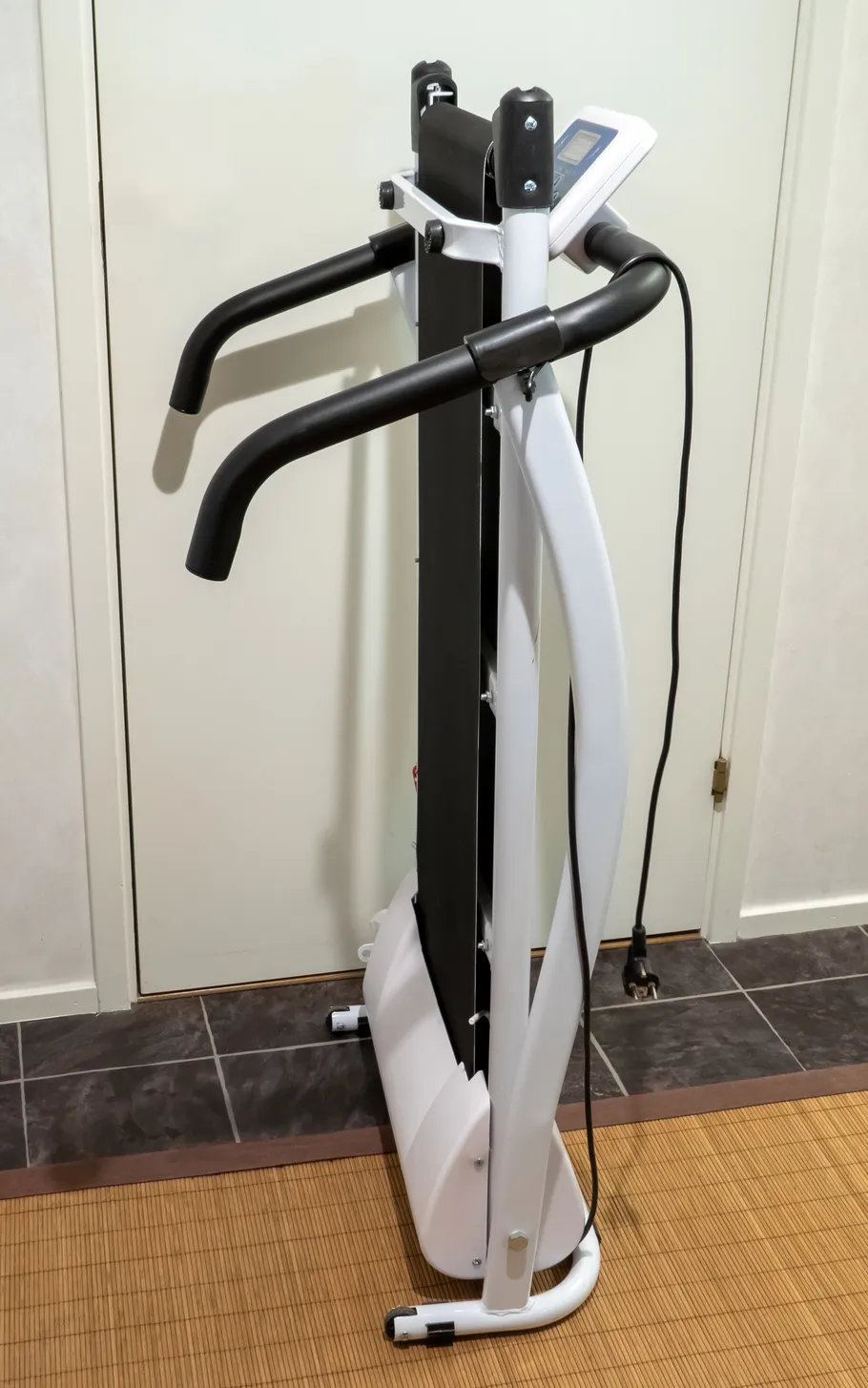
The WalkingPad C2 is the folding pick of this guide, and the fold is the whole argument: the deck folds 180 degrees to 32.5 by 20.4 by 5.4 in, thin enough to lean against a wall or slide under a bed. The belt measures 47.24 by 15.75 in in one review record against 48 by 15.5 in in another — a small conflict, but the belt is long either way, and that length is what makes the C2 comfortable for taller walkers.
Control is by app and remote, with FootSense speed control that adjusts the belt to where your feet land. That matters at a desk, because it means fewer button presses mid-sentence — the pad follows your pace instead of asking you to set it.
Three conflicts stay open, and all three are stated rather than settled. Capacity reads 220 lb in US listings and review records against one source claiming 120 kg, which converts higher. Top speed reads 3.7 mph in US records against one source claiming 4 mph. And motor power is a three-way conflict — 1.0 HP in some records, 2.0 HP in a manual record, and a 3 HP brushless claim in one roundup — so this guide states no single motor figure for the C2. Noise is claimed at 65 dB in one roundup, which is not call-quiet, so this guide does not call the C2 the quietest pick.
✅ Pros
- Only folding deck here — 180-degree fold to 5.4 in high
- Long belt for a pad, around 47 to 48 in, suiting taller walkers
- App plus remote control with FootSense auto speed
⚠️ Cons
- Motor conflict — 1.0 HP, 2.0 HP and 3 HP claims all circulate
- Capacity conflict — 220 lb against a 120 kg claim
- 65 dB noise claim is not call-quiet
Listing check: no confident listing code was verified for this pad, so the link above is a tagged search — confirm the C2 version, the 180-degree fold and the capacity on the listing itself before ordering.
Best for: small rooms where the pad must fold away after every walk.
May not fit: call-heavy workers who need the quietest pad, or buyers who want one settled motor figure.
TRAILVIBER X01
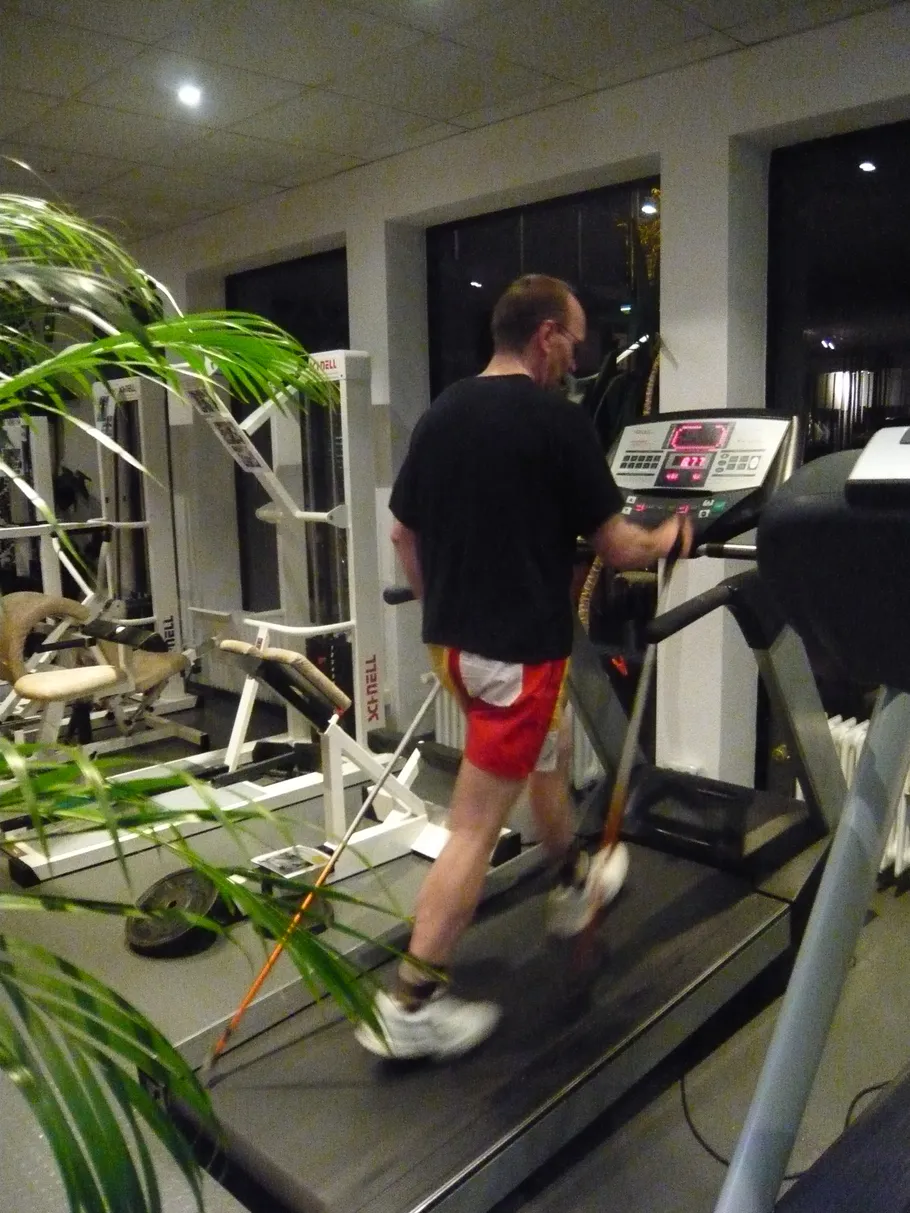
The TRAILVIBER X01 is the incline pick, and it is the only pad here with a powered incline: 12% auto incline across 9 levels, driven by a 2.5 HP motor, at 0.7 to 4.0 mph. That makes it the fastest pure desk pad in the guide as well as the steepest, and its stated capacity of 450 lb is the highest claim here. The belt measures 40.5 by 16.5 in, and the unit weighs 44 lb.
Incline changes what a walking pad is for. At 12%, a 2 mph walk works far harder than the same speed on the flat, so short walks count for more — but incline is awkward for typing, because your hands and shoulders rise with the slope. Use the incline off-keyboard, for dedicated walks, and keep desk work on the flat.
Three flags stay open. First, the capacity and incline are maker claims, not tested ratings. Second, a different TRAILVIBER variant circulates with a 5% manual incline, a 350 lb capacity and a 0.3 to 6.2 mph range under similar naming — confirm the 12% auto-incline, 450 lb version on the listing before ordering, because the wrong variant is a different pad. Third, buyer feedback reports the belt getting jumpy at higher incline levels even well under the rated capacity, and the unit is heavier and bigger than the compact picks.
✅ Pros
- Only powered auto incline here — 12% across 9 levels
- Fastest pure desk pad at 4.0 mph, with a 2.5 HP motor
- Highest stated capacity here at 450 lb
⚠️ Cons
- Capacity and incline are maker claims, not tested ratings
- A 5% manual, 350 lb variant circulates under similar naming — easy to buy by mistake
- Buyer feedback reports a jumpy belt at higher incline levels
Listing check: no confident listing code was verified for this pad, so the link above is a tagged search — confirm the 12% auto-incline version, the 450 lb capacity and the 0.7 to 4.0 mph range before ordering, not the 5% manual variant.
Best for: walkers who want incline training from a pad and do dedicated walks off-keyboard.
May not fit: typists who want incline while working, or buyers who need a folding pad.
Sperax Walking Pad

The Sperax is the value pick: roundup consensus puts it at 3.8 mph with a commonly cited capacity around 265 lb, and one manual lists noise under 60 dB. It is a simple flat pad that slides away after work, with no folding mechanism and no incline to pay for — the money goes into the belt and motor instead of features.
One major flag must stay plain, because it changes how every Sperax figure is read. Sperax Walking Pad is a family, not one model: manuals show the Q1 at 320 lb and 3.8 mph with a 2.5 HP motor, the Q1SA at 140 kg and 6 km/h, the P2-Y1 at 340 lb and 4.0 mph, the Pro at 280 lb and 6.2 mph, a 3-in-1 vibrating version at 264 lb and 3.7 mph, the RM-05 at 350 lb and 3.8 mph, and a 4-in-1 vibration version at 350 lb. The commonly cited 265 lb matches the 120 kg variant only — it is not a family figure.
That means the table cell for Sperax can only read variant-dependent, and the buyer must confirm the exact variant on the listing: its capacity, its speed and whether it vibrates. A pad bought on the family name alone may arrive with a different capacity than the review quoted.
✅ Pros
- Value pick — 3.8 mph consensus with a simple flat design
- Under-60 dB noise claim in one manual
- Flat pad that slides away after work
⚠️ Cons
- A family, not one model — capacities run from 264 to 350 lb by variant
- The cited 265 lb matches the 120 kg variant only
- Exact variant must be confirmed on the listing before ordering
Listing check: no confident listing code was verified for this pad, so the link above is a tagged search — confirm the exact Sperax variant, its capacity and its speed on the listing itself before ordering.
Best for: buyers who want a simple value pad and will check the variant before ordering.
May not fit: buyers who want one settled capacity figure, or a folding or incline pad.
Yagud Walking Pad

The Yagud is the budget pick: the cheapest starter pad here, at 3.8 mph, with a 44 dB noise claim in one roundup and a simple flat design that slides away after work. For a buyer who is not sure desk walking will stick, it is the lowest-cost way to find out.
The flag is capacity. No capacity is established for the Yagud in the roundup sources checked, so the table cell reads Not stated and this guide claims none — confirm the capacity on the listing before ordering, and do not assume it matches the Sperax or C2 figures. Durability and capacity confidence are lower here than on the mid-range picks, which is the honest price of a budget pad.
Fit is the second flag. The Yagud’s simple flat design suits shorter users better than tall users, who will want a longer belt — the C2’s near-48 in belt or the TRAILVIBER’s 40.5 in belt, rather than a compact starter pad.
✅ Pros
- Cheapest starter pick here at 3.8 mph
- 44 dB noise claim in one roundup — the quietest claim here
- Simple flat design that slides away
⚠️ Cons
- Capacity not stated in the sources checked — confirm on the listing
- Durability and capacity confidence lower than the mid-range picks
- Suits shorter users better than tall users
Listing check: no confident listing code was verified for this pad, so the link above is a tagged search — confirm the capacity and the 3.8 mph speed on the listing itself before ordering.
Best for: first-time desk walkers who want the lowest-cost trial.
May not fit: tall users, or buyers who need a stated capacity before ordering.
Egofit Walker Pro M1
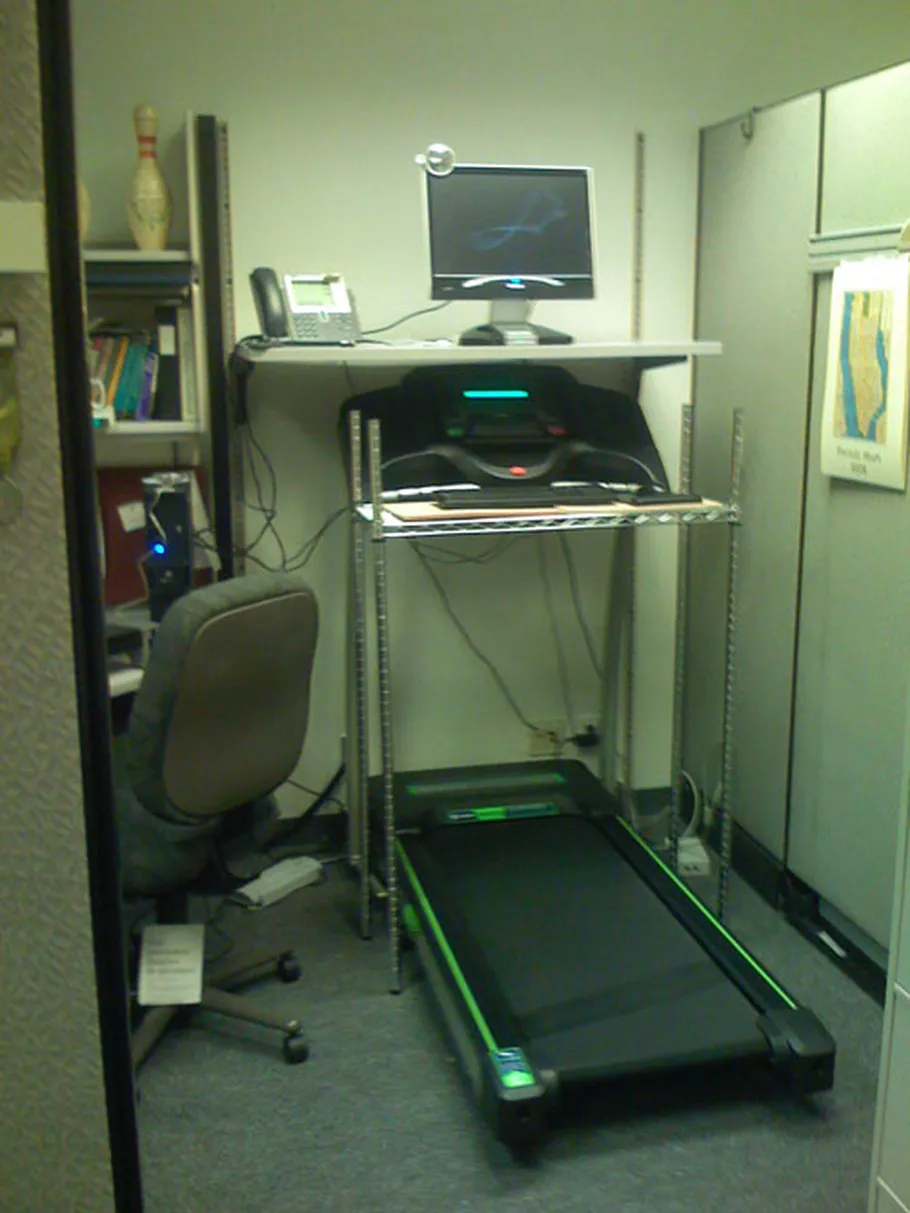
The Egofit Walker Pro M1 is the small-space pick: an office-first pad with the shortest footprint here and the shortest belt in the guide at 16.54 by 34.25 in. It arrives fully assembled, runs on a 2.0 HP motor, and is controlled by remote and app. For a flat or a single-room office, it is the pad that asks for the least floor.
Three conflicts stay open. Capacity reads 220 lb on the US listing against the maker guide’s 110 kg, which converts to 242 lb. Speed reads 0.62 to 3.1 mph in the maker manual for the Pro no-handlebar version against roundup figures of 4 mph — and the Plus-M1T variant reaches 3.73 mph in jogging mode and adds a handlebar, so confirm which version the listing sells. And the incline is fixed at 5% — one manual says 5.5% — always on, not adjustable.
That fixed slope resolves an apparent contradiction in one roundup, which calls the Egofit the only walking pad with incline. That claim is wrong once the TRAILVIBER exists: the Egofit has a fixed 5% slope, while the TRAILVIBER has a 12% powered auto incline — different features, and the Egofit slope cannot be turned off. Noise is claimed under 70 dB by the maker, which is louder than the sub-50 dB call-safe claims elsewhere, and maker height guidance caps users under 6.2 ft.
✅ Pros
- Shortest belt here at 34.25 in, and the smallest footprint
- Fully assembled with a 2.0 HP motor, remote and app
- Fixed 5% slope adds effort without any incline mechanism
⚠️ Cons
- Capacity conflict — 220 lb against a 242 lb maker-guide figure
- Speed conflict — 3.1 mph maker manual against 4 mph roundups
- Fixed slope is always on, and maker guidance caps users under 6.2 ft
Listing check: no confident listing code was verified for this pad, so the link above is a tagged search — confirm the Pro no-handlebar version, its capacity and its speed on the listing itself before ordering.
Best for: small flats and single-room offices where footprint matters most.
May not fit: tall users over 6.2 ft, or anyone who wants a flat belt with no slope.
GoYouth 2-in-1
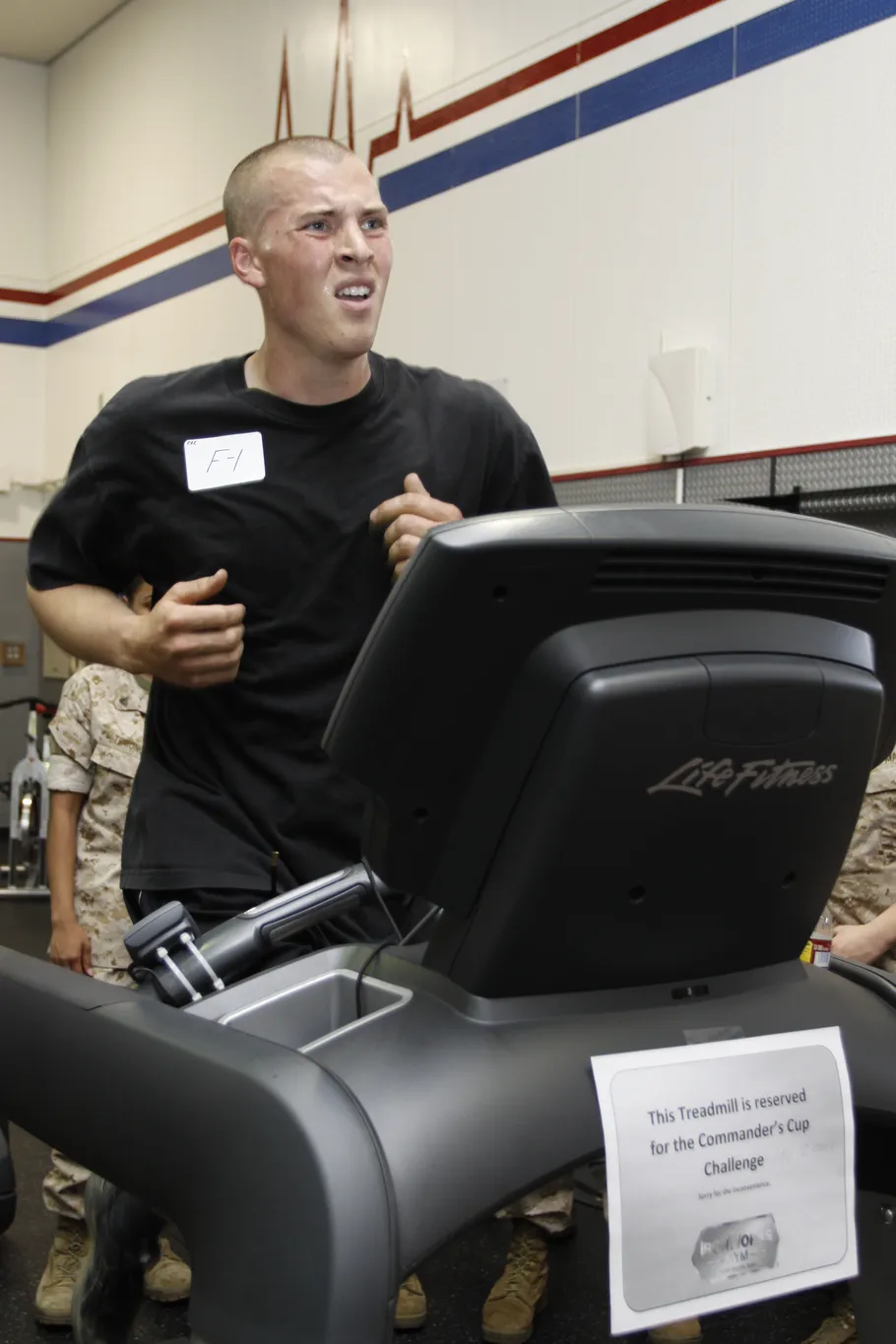
The GoYouth is the 2-in-1 pick: flat under-desk mode for work walks, plus a handrail-up mode that reaches 7.5 mph for light jogging. One pad covers both jobs, which is why it overlaps conceptually with the 2-in-1 slot in our treadmills guide — though the Strol 2E picked there is a different product and is not picked here.
The 7.5 mph figure needs its warning every time it appears: it is handrail-up mode only, not a desk-walking speed. At a desk, with the rail down and a keyboard in front of you, the GoYouth walks like the other pads here. The 7.5 mph belongs to dedicated jogging sessions with the rail up, and it is excluded from the desk-walking speed ranking for that reason.
Capacity is the open flag: no capacity is established for the GoYouth in the sources checked, so the table cell reads Not stated and this guide claims none — confirm it on the listing before ordering. And the handrail-up mode has its own cost: with the rail raised, the pad stops being an under-desk pad, so it needs clear floor space in front of the desk for jogging sessions.
✅ Pros
- Two modes in one pad — flat desk walking plus handrail-up jogging
- 7.5 mph in handrail-up mode, the fastest figure here
- One purchase covers work walks and light jogging
⚠️ Cons
- 7.5 mph is handrail-up only, not a desk-walking speed
- Capacity not stated in the sources checked — confirm on the listing
- Handrail-up mode needs clear floor space beyond the desk
Listing check: no confident listing code was verified for this pad, so the link above is a tagged search — confirm the 2-in-1 version, its capacity and its handrail-up speed on the listing itself before ordering.
Best for: buyers who want one pad for desk walks and light jogging sessions.
May not fit: buyers who need a stated capacity, or a pad that never leaves the desk.
How to Choose

Four decisions cover almost every walking pad purchase: desk fit, belt length, noise and storage. Answer them in that order and the right pad usually picks itself.
Choose Desk Fit

Desk fit is decided at 2 mph, not at 4 mph. At a comfortable typing pace, the belt should feel steady underfoot and your hands should stay accurate on the keyboard. Incline breaks that test: the TRAILVIBER’s 12% slope and the Egofit’s fixed 5% slope both raise your shoulders while you type, so judge incline pads on dedicated walks, not on work sessions.
Desk height matters just as much. A standing desk must rise high enough for your elbows at walking height, and a fixed-height desk may leave you hunching. If the desk itself is the problem, our under-desk bikes guide covers the crank-cycle sibling of the walking pad, which suits lower desks better than a belt does.
Choose Belt Length

Belt length is the fit question tall walkers most often get wrong. The Egofit’s 34.25 in belt is the shortest here and suits shorter strides and smaller rooms; the TRAILVIBER’s 40.5 in belt is the middle ground; and the C2’s near-48 in belt is the comfortable choice for taller walkers. A belt that clips your stride shortens every walk, no matter how good the motor is.
Width matters less than length on a pad, because walking is a straight-line motion — but the belt still needs room for natural side-to-side drift. The C2’s 15.75 in width and the TRAILVIBER’s 16.5 in width both allow that drift, while the Egofit’s 16.54 in width is generous for its short length. Check both numbers on the listing, not just the headline length.
Choose Noise Level

Noise claims in this guide run from the Yagud’s 44 dB to the Egofit’s under-70 dB maker claim, with the Sperax under 60 dB and the C2 at 65 dB in between. Treat every one of them as a claim, not a measurement: no pad here carries an independently measured noise figure, and room acoustics change what you actually hear.
For call-heavy work, the practical rule is simple: the quieter the claim, the safer the pad for calls, but test it on your first call before relying on it. A pad that hums under music is fine; the same hum under a client call is a problem. Walking pads are quieter than running treadmills by design, but none of them is silent.
Choose Storage
Storage splits this guide into two kinds of pad. The C2 folds 180 degrees to 5.4 in high and leans against a wall; every other pick here is a flat pad that slides under a sofa or bed, or stands upright in a corner. Measure the clearance under your sofa or bed before ordering — a pad that does not fit its storage spot lives in the middle of the room instead.
Weight matters for storage too. The TRAILVIBER at 44 lb is a two-hand lift into a corner, while the compact flat pads are easier to slide away daily. If the pad must disappear after every walk, the C2’s fold or the lightest flat pad beats a heavier pad with better specs.
Safety
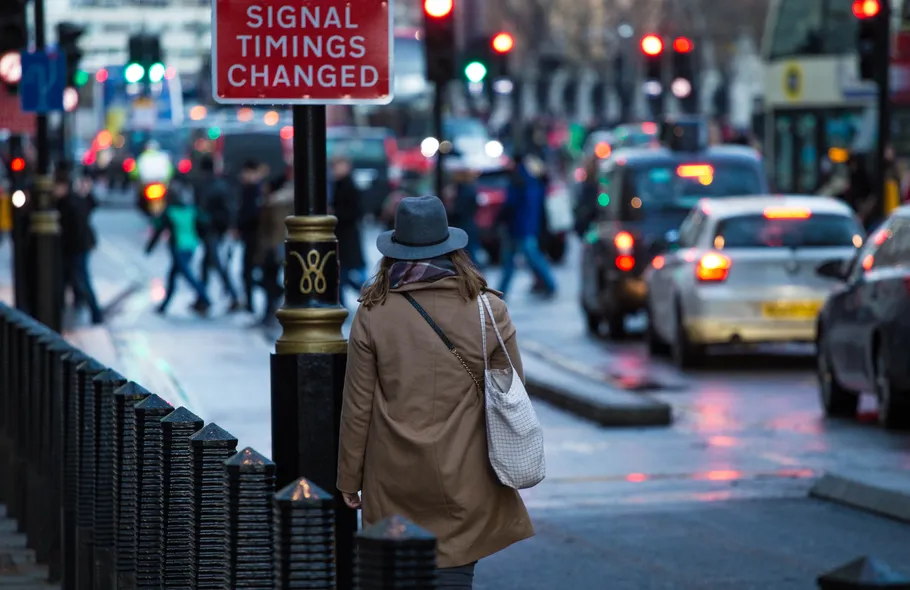
Walking pads are low-impact, but the room still needs the same respect as the heavy corner of the gym. A home gym’s safety basics start with the big equipment — our power racks guide covers racks that catch a failed lift — and the same clear-floor rule applies around a moving belt.
1. Clear the floor around the pad before every walk — cables, shoes and pet toys become trip hazards the moment the belt moves.
2. Start slow and hold the rail, desk or wall for the first sessions — walking while typing takes balance practice, and the belt moves under you before your brain expects it.
3. Wear proper walking shoes, never socks or bare feet — a moving belt grips skin and socks unpredictably, and a slip at 3 mph still hurts.
4. Keep children and pets away from the pad, and store the remote out of reach — a belt that starts by accident is a hazard for small feet and paws.
5. Never step on or off at speed — stop the belt first, then step off, because a moving belt throws an off-balance step sideways.
6. Check belt alignment and tension as the manual directs — a drifting belt rubs the frame, wears faster and can stop without warning.
7. Stop if you feel dizzy, unsteady or in pain, and be extra careful on a fixed slope — the Egofit’s always-on 5% slope changes your balance, so it suits steady walkers better than anyone with balance trouble.
Safety note: this guide is general information, not medical advice. If you have a balance condition, a heart condition, a joint problem or any injury affecting walking, speak to a clinician or physiotherapist before training on a walking pad.
Frequently Asked Questions
Is a walking pad a replacement for a running treadmill?
No. A walking pad replaces sitting, not running. It is built for hours of slow walking while you work, while a running treadmill is built for speed, hard sessions and incline training — our treadmills guide covers those, and this guide’s GoYouth handrail-up mode is the closest any pad here gets to jogging.
Can you run on a walking pad?
Only on the GoYouth, and only in handrail-up mode at up to 7.5 mph. The other five pads here are walking pads: their speeds top out between 3.1 and 4.0 mph, and running on them strains the motor and the belt. Buy a running treadmill if running is the goal.
What weight limit should I trust?
The listing for the exact variant you buy, not the roundup. This guide’s capacities mix maker claims, conflicting records, variant-dependent figures and Not stated cells — the TRAILVIBER’s 450 lb is a maker claim, the C2’s 220 lb is disputed by a 120 kg figure, Sperax varies by variant, and Yagud and GoYouth state none in the records checked. Confirm before ordering, every time.
Will a walking pad fit under my desk?
Only if the desk is a standing desk at walking height, or a desk you can raise. A fixed sitting desk is too low for walking, and incline pads raise your shoulders further — measure the desk height at your elbow while standing, and check the pad’s height against it before ordering.
Is a walking pad quiet enough for calls?
Usually, but the claims vary too much to promise it. The Yagud claims 44 dB and the Sperax under 60 dB, while the C2 claims 65 dB and the Egofit under 70 dB — all claims, none independently measured. Test the pad on your first call before relying on it for client meetings.
Where do I store a walking pad?
Under a sofa or bed if it is flat, or folded against a wall if it is the C2 — measure the clearance first, because a pad that does not fit its storage spot lives in the middle of the room. A mat underneath protects the floor and damps noise, and our gym flooring guide covers mats and platforms for home gyms.
Our Pick: Start Here
Start with the WalkingPad C2 if a folding pad that disappears after every walk matters most, the TRAILVIBER X01 if powered incline and the fastest desk speed matter most, the Sperax Walking Pad if value matters most and you will confirm the variant, the Yagud Walking Pad if the lowest-cost trial matters most, the Egofit Walker Pro M1 if the smallest footprint matters most, and the GoYouth 2-in-1 if one pad for desk walks and light jogging matters most.
As an Amazon Associate, this site earns from qualifying purchases made through links in this guide, at no extra cost to you. The Amazon links above are tagged search links, not direct product listings, because no confident listing code was verified for these pads — always confirm the exact version, variant, capacity and speed on the listing before ordering.
Specifications in this guide come from maker pages, listings, manuals and review records that frequently disagree, and every disagreement found is stated in the pick sections rather than averaged away. Speed, capacity, motor power, belt size and noise figures in particular mix maker claims, review measurements and older records, so treat this guide as a comparison of published records, not as a substitute for the listing on the day of purchase.